Symptom
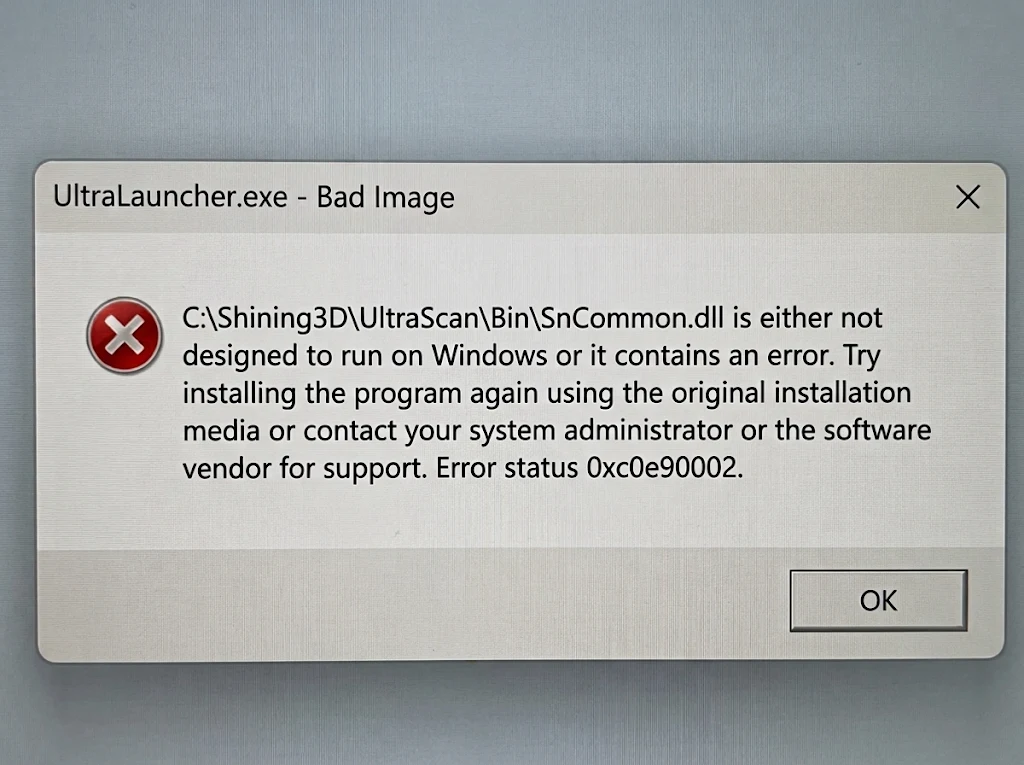
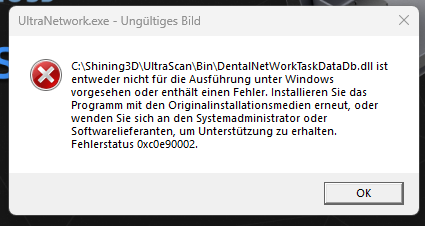
UltraScan software launches successfully only when the PC is disconnected from the internet. When connected, error pop-ups appear indicating that specific software components (such as .dll or .exe files) are faulty, as shown in the screenshots below:
Root Cause
Windows 11 "Smart App Control" blocks applications deemed to pose potential risks. Although our software executables and DLLs are digitally signed, launch failures may still occur due to:
- Missing digital signatures on specific DLL or EXE files.
- The software (e.g., micro-client) triggering untrusted third-party components.
This issue occasionally occurs on certain devices following a system update.
Solution
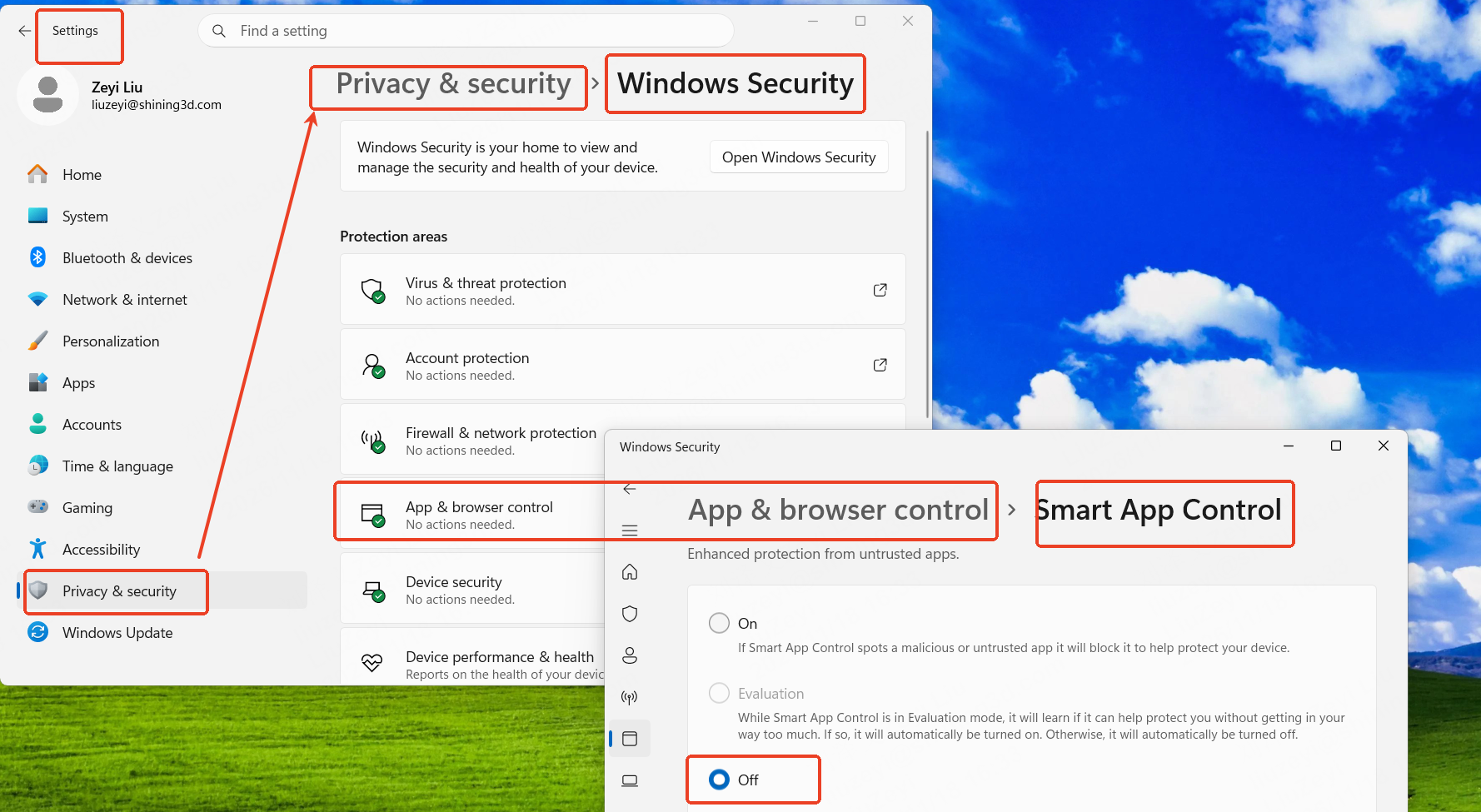
Disable Smart App Control via the following path:
Settings → Privacy Security → Windows Security → App & browser control → Smart App Control settings → Off