
Common Reason Why Geomagic Control X Doesn’t Recognize the Probe
- Probe plugin is not copied to CX device directory
Solution: manually copy the plugin to the directory
Steps:
1. Locate RFXODeviceSn3DProbe.dll and Sn3DProbeControllerRPC.dll under C:\Program Files\Shining3d\FreeTrak_TRAK
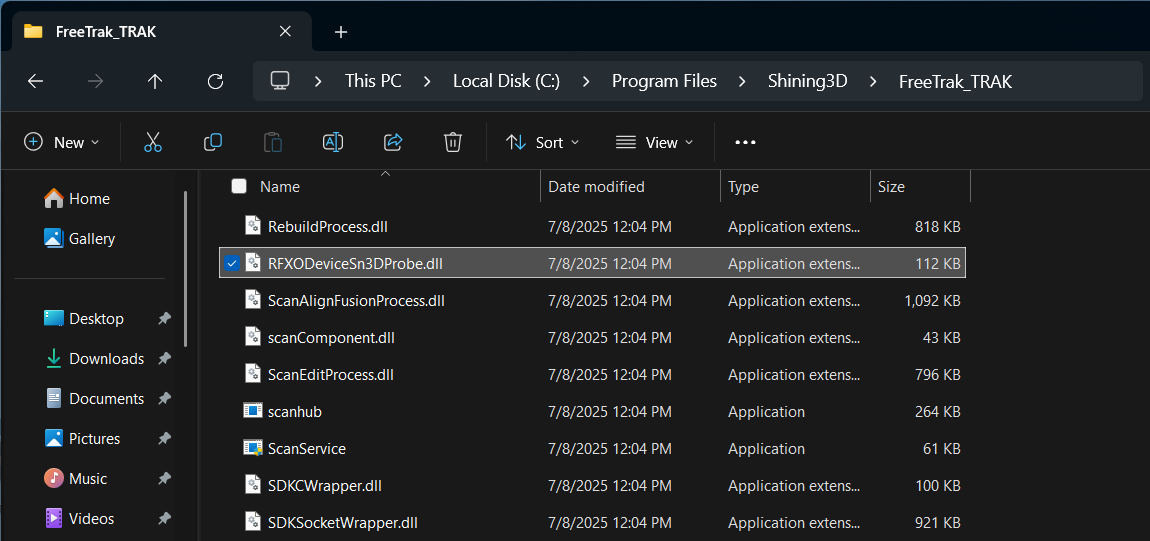
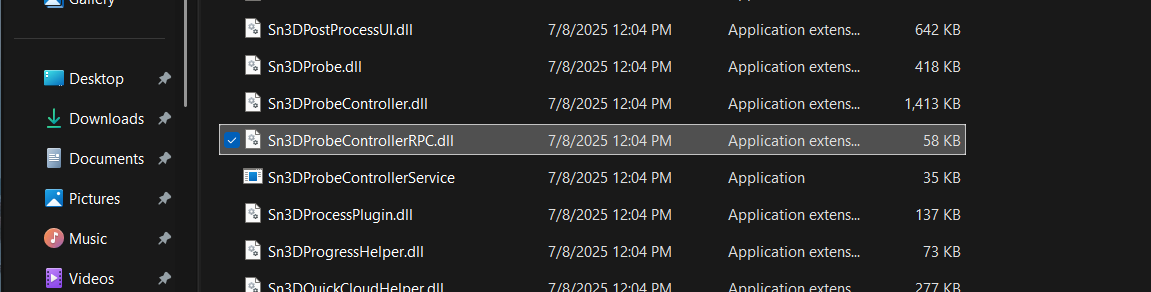
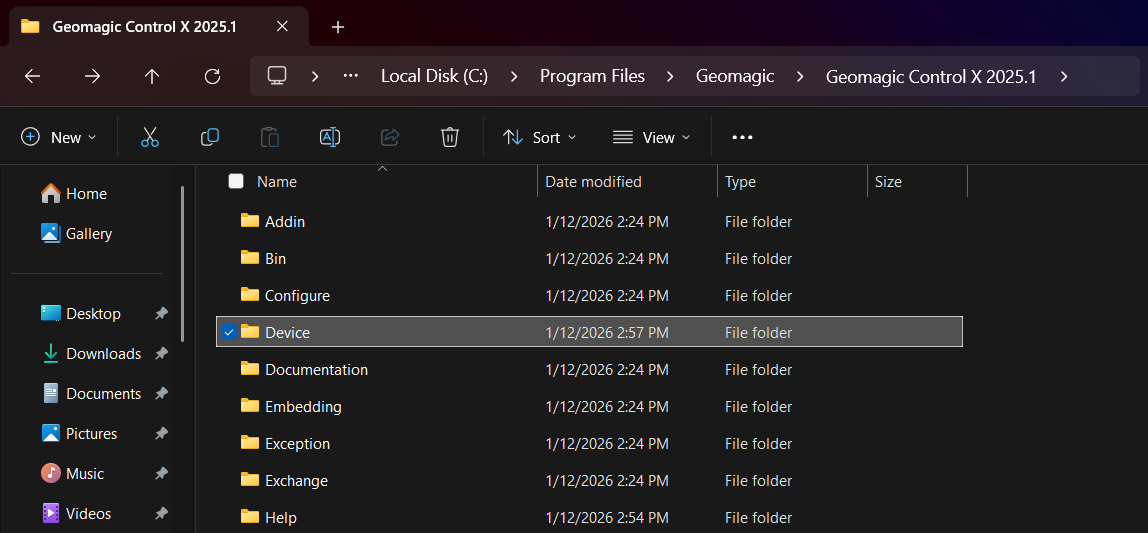
2. Go to CX installation directory, enter the Device folder: C:\Program
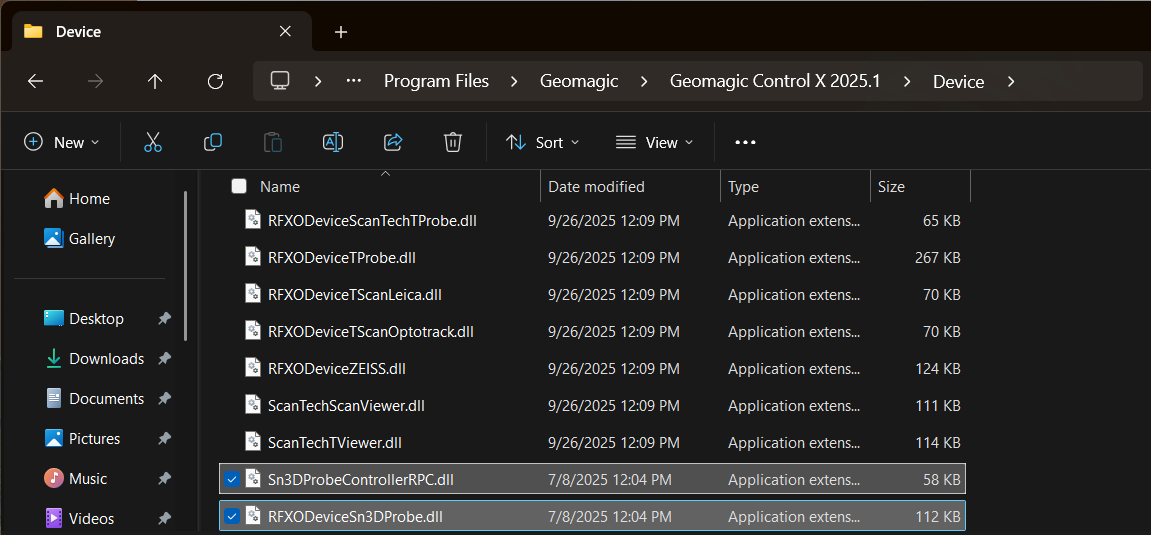
Files\Geomagic\Geomagic Control X 202x.x\Device
3. Copy the two files from step 1 into the directory in step 2
If you have any questions about the software, you can contact technical support metrology_support@shining3d.com
Hope you enjoy SHINING 3D Products.