
Under normal circumstances, when the network cable of OptimScan Q series is directly connected to a computer or using a 1Gbps Type-C adaptor, the data transferring speed would be 1Gbps, which does not meet the requirement and may lead to unexpected results:
- intermittent connection and disconnection
- calibration going back to the previous step
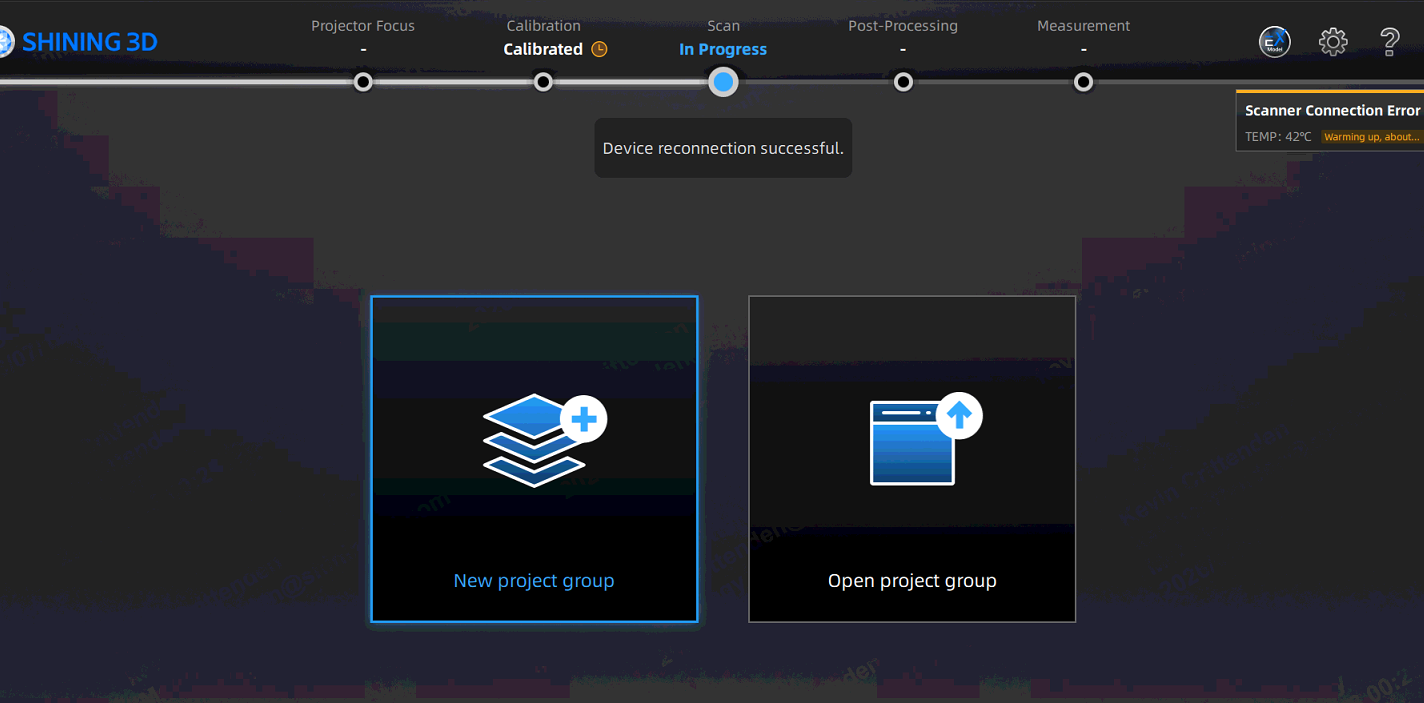
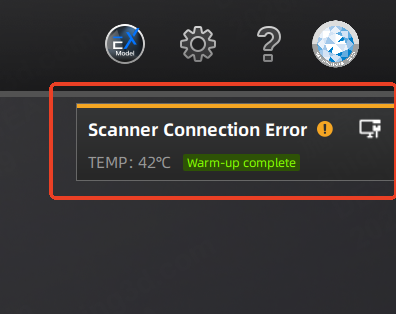
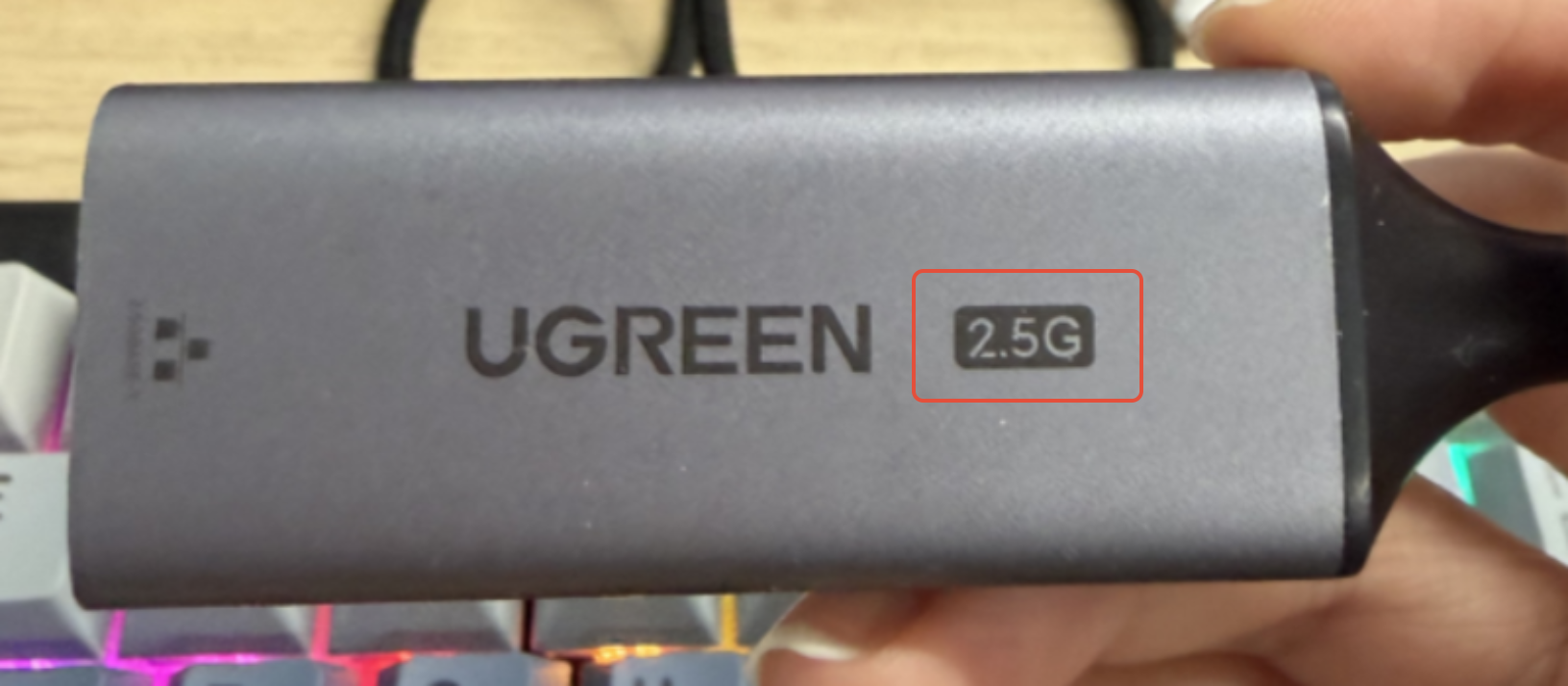
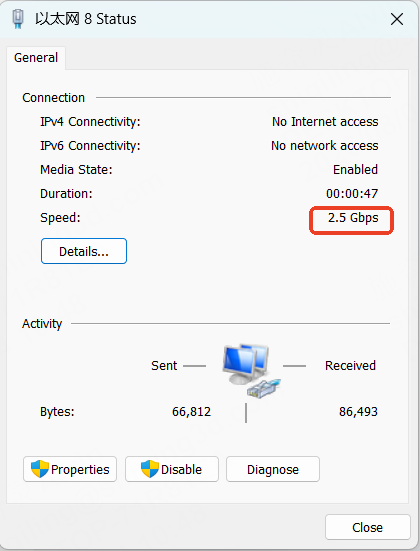
The required data transferring bandwidth for OptimScan Q series is 2.5 Gbps. It is recommended to connect the Ethernet cable to the computer via the 2.5G Type-C adaptor that comes with the scanner. Below is a 2.5G Type-C adaptor:
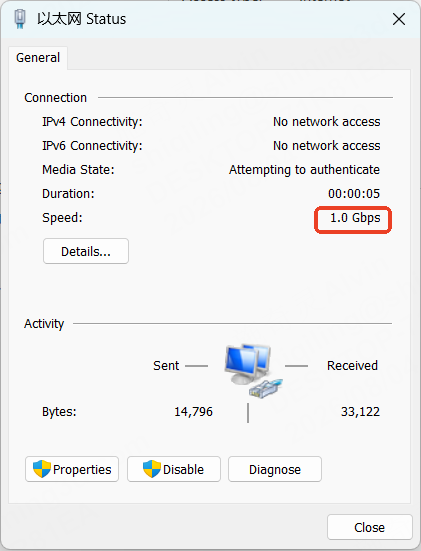
You may check your Ethernet speed via Control Panel\Network and Internet\Network and Sharing Center:

| 1G Type-C adaptor/direct connection | 2.5G Type-C adaptor |
 |  |