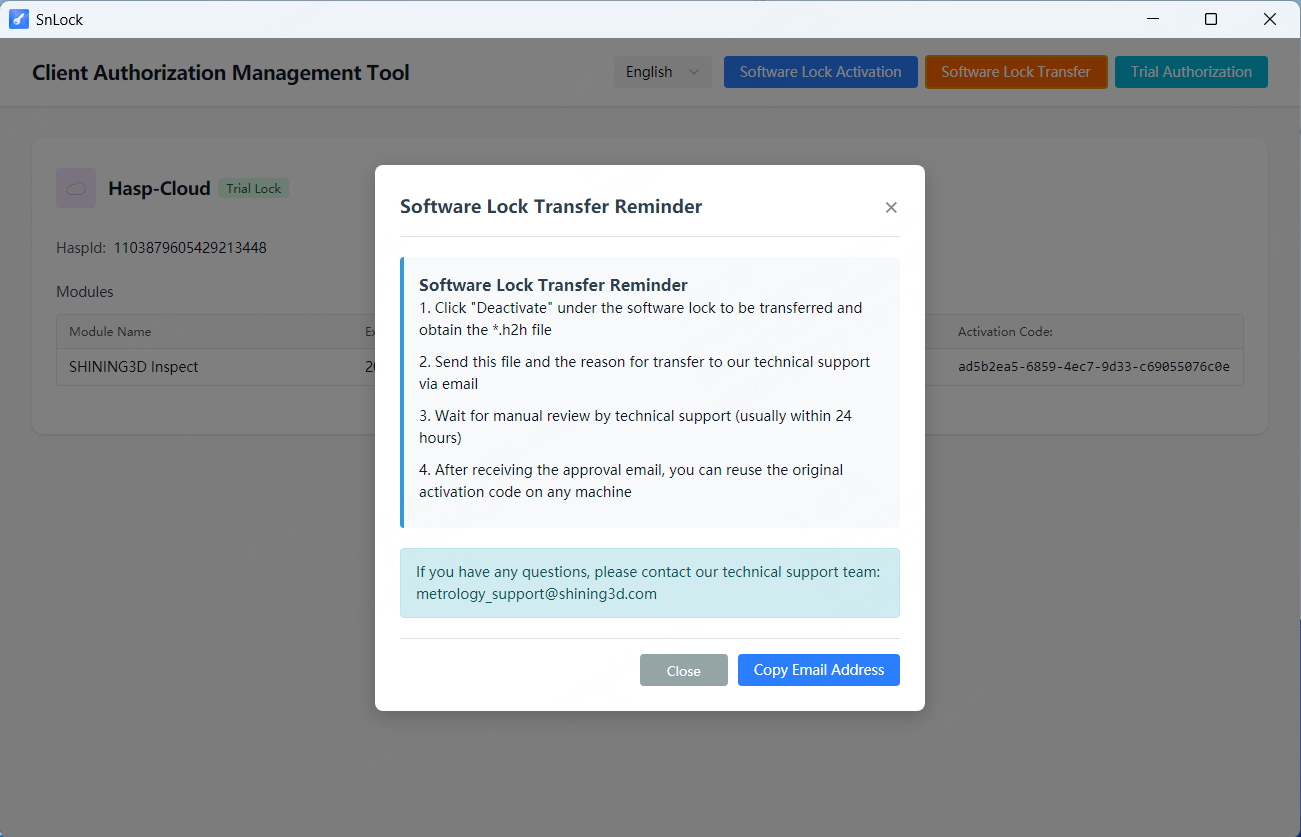
We provide 90-day trial license. Please go to this link to submit the application:
➡️ https://www.shining3d.com/inspection/shining3d-inspect#form
Notice: The activation codes for previous versions of the inspect software also apply to S3I 2026. For users who have never used SHINING3D Inspect software, activation codes can be requested through the link.
Upon we received the application, we will issue a license within 3 working days. Once the reseller/customer receive the code, he can activate it directly via the 'SnLock' https://drive.google.com/file/d/1LyEzmtn1YVkFI1ypVhXM_RY_u8IexbJv/view?usp=sharing.
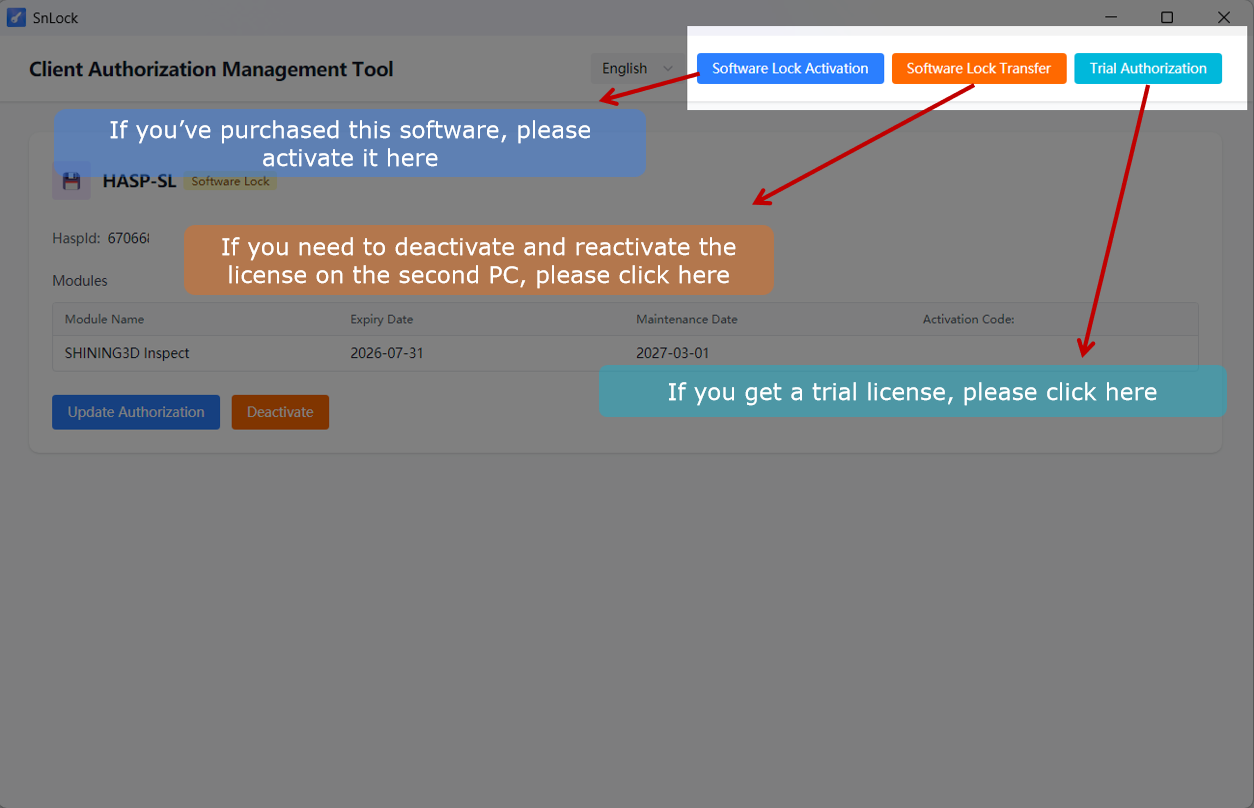
The software also supports reactivation.
Customer has one chance to deactivate and reactivate on another computer.
The specific procedure is illustrated below:
- Extract the H2H file via SnLock.
- Email the file to metrology_support@shining3d.com and specify the reason for the relocation in your message. (Note: If you are unable to extract the H2H file, please email us anyway and explain the issue.)
- We will review your request within 24 hours. Upon approval, you will receive a confirmation email authorizing the relocation.
- Once you receive this email, you may use your original activation code to reactivate the software on any PC.